3 September
Sixty wonderful years of Mum
You taught us that care is something we practise every day. Happy 60th, Mum.AdaDaughter
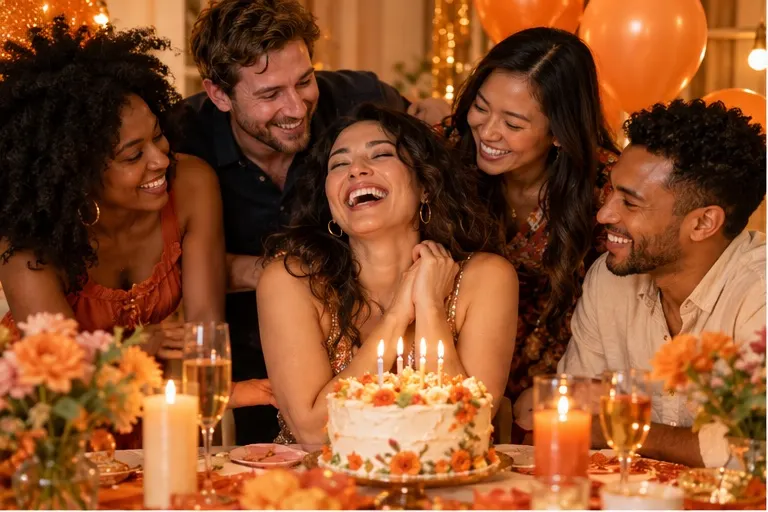
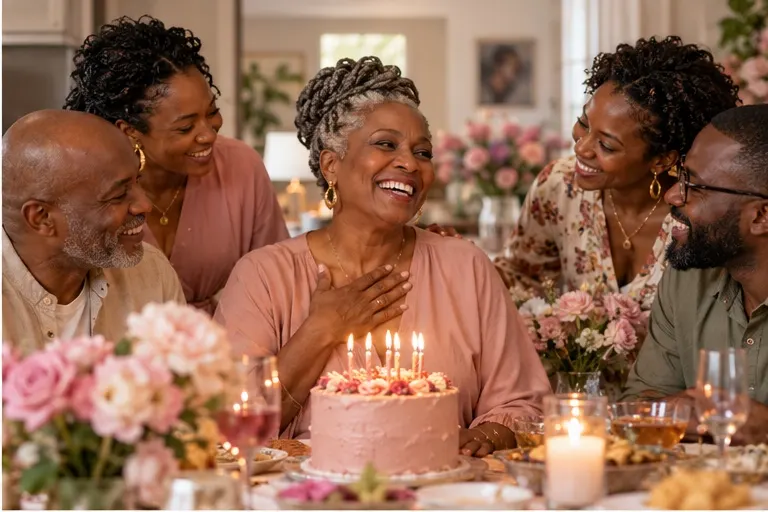
A parent turns 60
Celebrate. Remember. Come together.
Make a page for someone you love, a community or a life worth remembering, or for your own celebration. Invite everyone to add a wish, note, tribute or favourite photo, all in one place.
Bring birthday wishes and favourite moments together in one place.
See how Celebrate a birthday pages lookSee how Celebrate a birthday pages look
Collect congratulations, stories and photos for a year, achievement or special moment worth celebrating.
See how Mark a milestone pages lookSee how Mark a milestone pages look
Create a thoughtful place for tributes, candles and photographs that honour a life.
See how Remember someone special pages lookSee how Remember someone special pages look
Give a club, family, team or group one welcoming page with room for every voice.
See how Bring a community together pages lookSee how Bring a community together pages lookShared with love
A wish from a best friend, a candle from a neighbour, a story from a colleague. Guests can sign with their name, say where they are writing from, or post anonymously.
Make one for yourself
Birthdays, graduations, anniversaries, weddings, a new job or a new baby. The messages end up scattered across Facebook, Instagram, X and WhatsApp, then get buried in the feed. Make a page for your own celebration, share the link once, and keep every wish somewhere you can come back to and read again.
Try it yourself
Read the page as a guest would, then switch to the creator view to change the look, review posts and set who can see it. Nothing you do here is saved.
Birthday· 14 June
A birthday full of colour, laughter, and old friends
We are gathering the messages and moments that made the last decade unforgettable. Add a wish, answer a prompt, or share a favourite photo.
Not sure what to write? Start with a question.
What's your favourite memory with Amara?
Shared with love
See it in use
Swipe through four fictional pages, then open one to read it as a guest would.Each card opens a fictional example. Try one in the demo, or open the full page.
Have a question? We have answers.
No. Only the creator needs a free account to manage the page. Guests can leave wishes, tributes, candles or photos with no account and no sign-up. Available contributions depend on the page type.
Yes. Set the page to private and choose a PIN between 4 and 12 characters. Only people with the PIN can open it. An unlisted page is hidden from listings but has no PIN, so anyone with the link can view it.
The current version does not charge to create a page or contribute. Any future paid offer will show its price and terms before you pay.
Yes. Guests can show their full name, just their first name, or post as Anonymous. They can also add an optional location, such as a city, which appears with their post. Anonymous posts keep no name, relationship or location.
Yes. Guests can share a JPEG, PNG or WebP photo of up to 8 MB alongside their message. Every upload is checked before it is stored.
Unlisted pages can be opened by anyone with the link. Private pages also require a PIN. You can manage page visibility in your creator settings. Only share photos and messages you have permission to publish.
Yes. As the creator, you can hide or delete any wish, tribute, candle or photo at any time from your dashboard. Hidden posts disappear from the public page immediately. You can also choose to review posts before they appear.
Yes. Make a page for your own birthday, graduation, anniversary, wedding or any other milestone, then share the link wherever people usually send you wishes. Every message and photo stays together on one page you can come back to and read again.
Yes. Sign in to your creator dashboard to update the name, title, welcome message, image and appearance, and manage contributions.
Add the details, choose a photo and invite others to contribute.
Create a page


